
Convert Your Images with Free Online Photo to Sketch
Transform your favorite memories into stunning artistic masterpieces with Nano AI. .
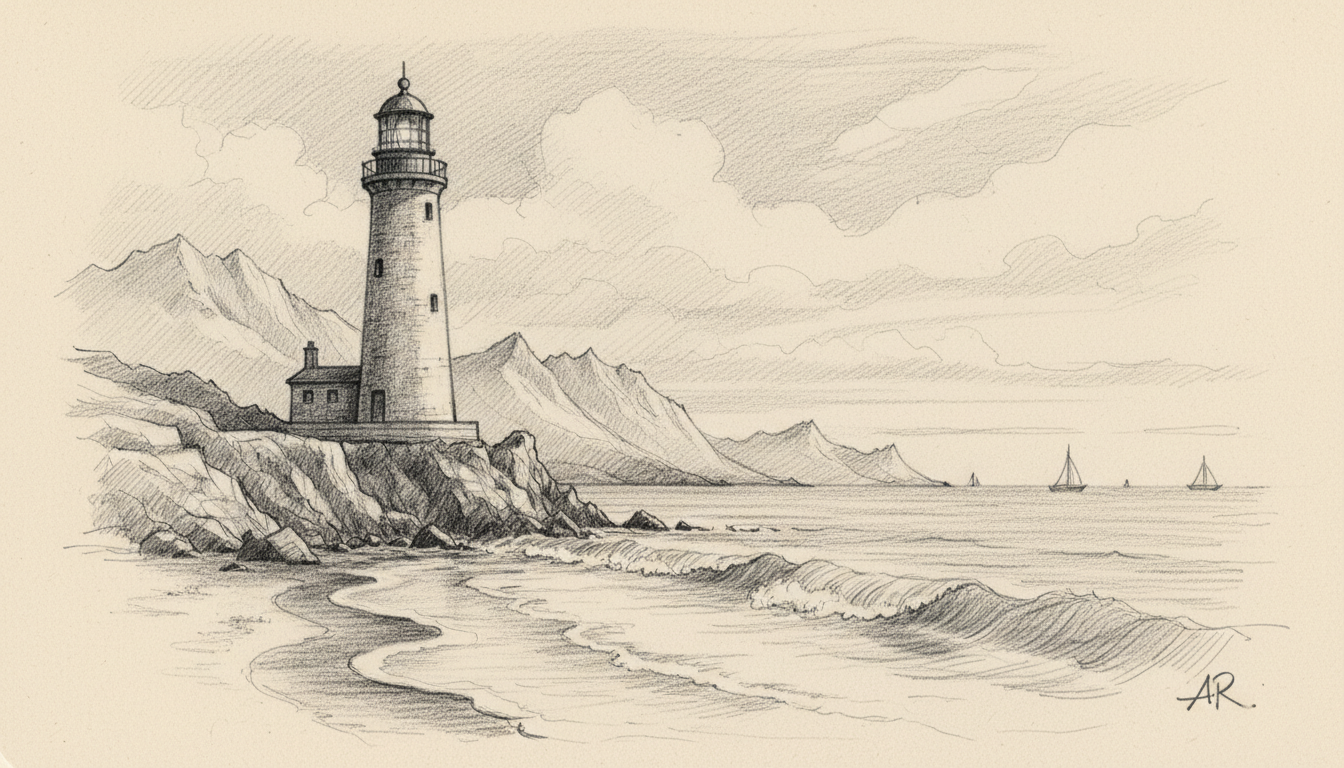
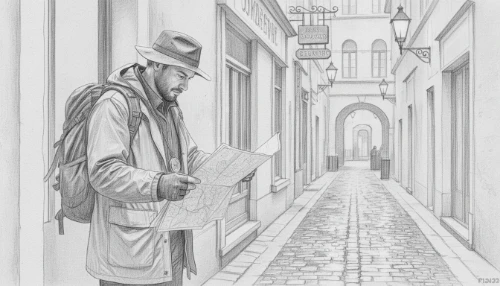
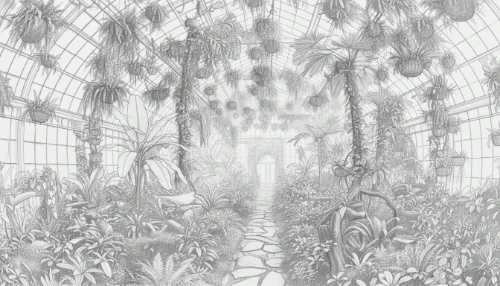
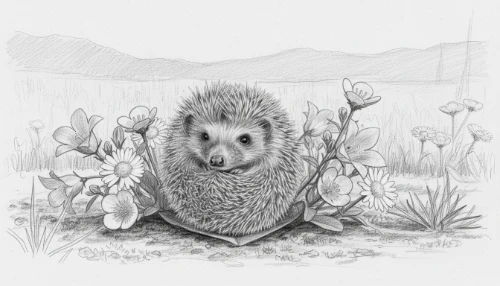
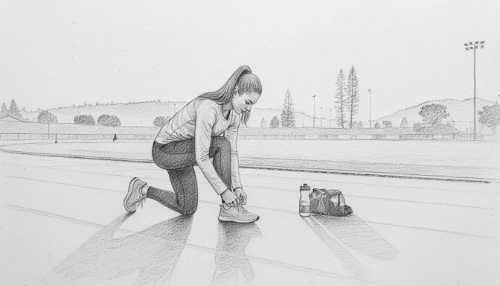
Key Features of Our Photo to Sketch Tool
Instant AI Sketch Generation
Transform any image into a high-quality drawing in under 10 seconds. Our Photo to Sketch technology automates the complex artistic process, allowing you to focus on your creative vision without manual effort.
Professional Artistic Textures
Achieve authentic pencil and charcoal textures automatically. The Photo to Sketch tool analyzes your image details to produce professional-grade lines and shading, ensuring your visual content looks like a handcrafted masterpiece.
Seamless One-Click Workflow
Experience a streamlined Photo to Sketch process with our intuitive interface. Simply upload your image and hit generate to receive production-ready sketches instantly, significantly optimizing your creative workflow and saving valuable time.
Production-Ready Output Quality
Generate high-resolution results perfect for portfolios or social media. This Photo to Sketch feature ensures that every conversion maintains sharp details, helping teams and individuals deliver stunning artistic assets for commercial use.
Who Can Benefit
Social Media Creators
Stand out from the crowd by using photo to sketch to turn standard portraits into eye-catching, hand-drawn profile pictures and engaging artistic posts.
Graphic Designers
Accelerate your creative workflow by applying a professional photo to sketch effect, providing instant artistic foundations for client logos and branding mockups.
Digital Marketers
Enhance campaign visuals with a unique touch; our photo to sketch tool creates sophisticated illustrations that increase engagement and reinforce brand identity.
E-commerce Sellers
Transform product photography into elegant line art with photo to sketch, perfect for creating stylish instruction manuals or unique lifestyle marketing materials.
Create Art in Three Steps
Upload Your Original Photo
Start by uploading any image to our infinite canvas. This is the first step to using Photo to Sketch for transforming ordinary portraits into professional artistic outlines instantly.
Generate Your Digital Sketch
Select the Nano Banana model and watch as the Photo to Sketch tool renders a detailed pencil masterpiece in under 10 seconds, saving you hours of manual drawing.
Download and Share Results
Review your production-ready artwork and export it immediately. Use Photo to Sketch to deliver eye-catching visuals for your portfolio or social media with professional-grade precision and speed.